
Vibe Coding - Getting Started with AI Coding
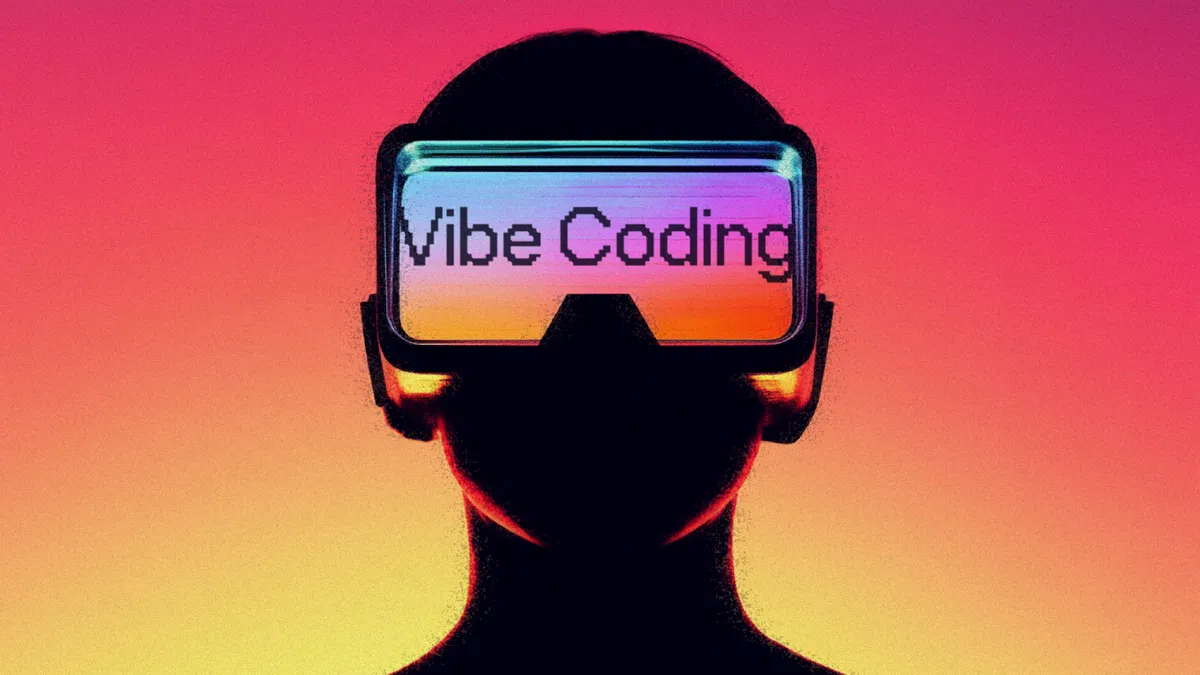
Vibe coding is a development method where code is generated by explaining in natural language to AI. Named by Andrej Karpathy in 2025, anyone can start right away with various tools like Cursor, Claude Code, and GitHub Copilot.
Vibe Coding is a development method where you tell AI what you want and code comes out. Without memorizing syntax or struggling with errors, you explain in natural language and AI generates the code for you. As AI coding tools have rapidly advanced since 2025, an era has opened where even non-developers can create apps.
Origin of Vibe Coding

The term vibe coding first appeared in February 2025, in a post by AI researcher Andrej Karpathy on X. He described it as "a new way of coding where you forget that code even exists and fully surrender to the vibe."
Karpathy is a founding member of OpenAI and led the Tesla AI team. This term he coined spread quickly through developer communities, and was added to the Merriam-Webster dictionary as a new word within a month.
Representative Tools

Vibe coding tools are broadly divided into four categories based on usage environment.
VS Code Forks (Standalone IDE) - Standalone programs that integrate AI features based on VS Code. Most recommended for beginners as you can use them right after installation. Cursor is the most popular AI IDE with agent mode for multi-file editing. Antigravity is Google's AI IDE based on Gemini.
Web/Desktop Apps - You can start coding right in your browser or app. Great for getting started lightly without installation. Google AI Studio is browser-based using Google Gemini, Claude app offers Anthropic's Claude via web and desktop apps, and Codex is OpenAI's AI coding tool available on the web.
IDE Extensions - Add as plugins to your existing VS Code or JetBrains. GitHub Copilot specializes in autocomplete and integrates with the MS ecosystem. Codex is the official OpenAI VS Code extension, and Claude for VS Code lets you use Claude in VS Code.
CLI (Terminal) - Code by conversing in the terminal. Suitable for users with a development environment already set up. Claude Code is Anthropic's official CLI with strengths in large codebases, Gemini CLI is a Google Gemini-based terminal tool, and Codex CLI is an OpenAI-based terminal tool.
Key Point: Here's How to Start

Don't be afraid, start by asking about setup - Just ask AI things like "Tell me how to install Cursor" or "How do I set up a Python environment?" From the moment an agent is installed, AI directly helps with program installation and environment setup.
If you don't know, take a screenshot and show it - Today's AI is multimodal and understands images. If you get an error screen, don't panic - just take a screenshot and ask "Why is this happening?" Things that are hard to explain in text can be solved by showing an image.
Start with small automations - Try making small things like "A script that tells me the weather every morning," "Folder organization automation," or "Excel data cleanup." As you automate things one by one, you'll develop a sense of collaborating with AI.
Actually use what you make - Use what you've made and give feedback like "This part is inconvenient" or "Add a button here," and AI will keep improving it. You can evolve it through conversation without a perfect specification.
Just Starting Is What Vibe Coding Is All About
The key to vibe coding is "just starting." You don't need to understand everything perfectly before beginning. Just ask AI and solve things one by one.
Of course, it's not perfect yet. AI-generated code may have hidden bugs or security vulnerabilities. Complex business logic and large-scale systems still need review by professional developers. "It works, but I don't know why it works" is a common situation.
Nevertheless, vibe coding is advancing rapidly. Asking your AI is the way to start vibe coding.
